Your Dock follows your pointer.
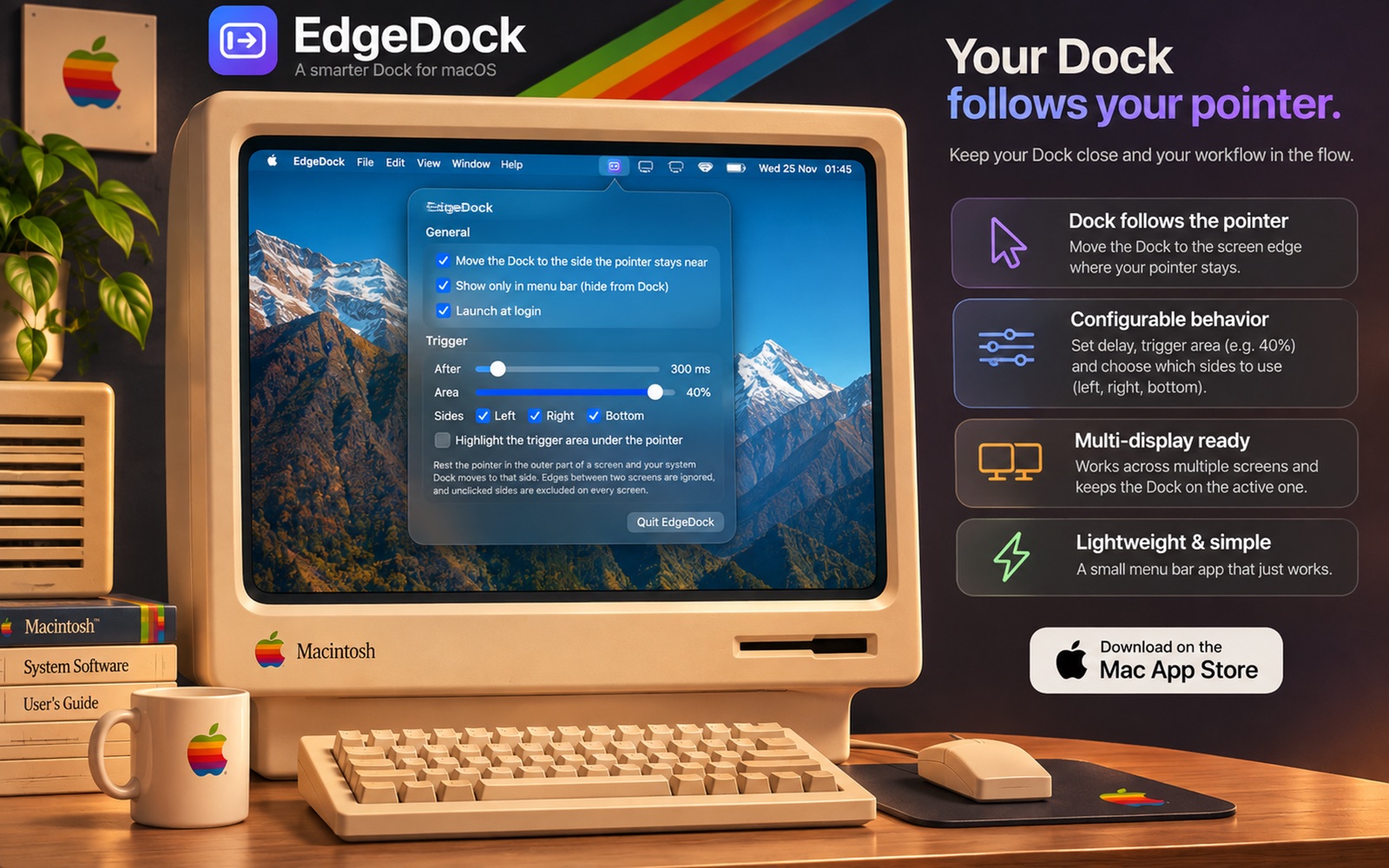
Rest your pointer near the edge of any screen and EdgeDock moves your Mac's Dock there. No more reaching across the desk.
Get it on the Mac App Store
$0.99 · pay once, no subscription
Requires macOS 14 or later
See it in action
A small menu bar app with a few settings that matter.
Built for more than one screen
It uses the real macOS Dock, so your apps, folders, size and magnification stay exactly as you set them.
Point, and it moves
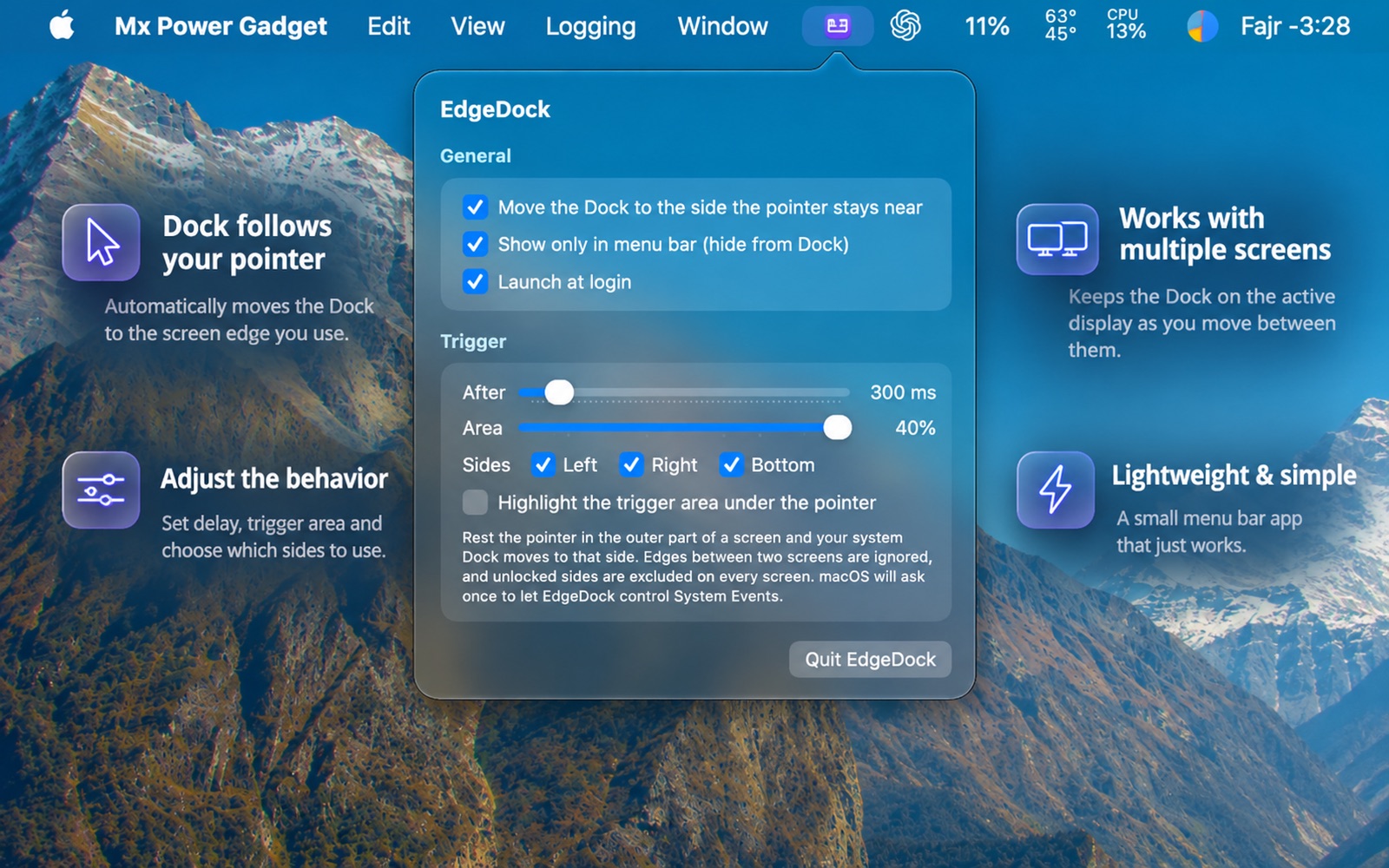
Go to the outer part of a screen. After a delay you choose, the Dock jumps to that side.
No accidents
The edge between two screens is ignored, so crossing from one display to the next never moves the Dock.
Yours to tune
Set the delay, the size of the trigger area and which sides are allowed. Show a soft highlight if you like.
Private
No accounts, no tracking, no network. EdgeDock collects nothing.